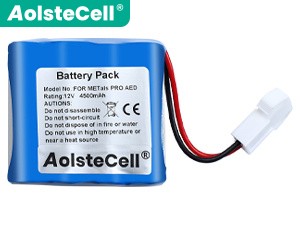
High-grade Battery for Metals LIFE-POINT (4500mAh, 12 cells)
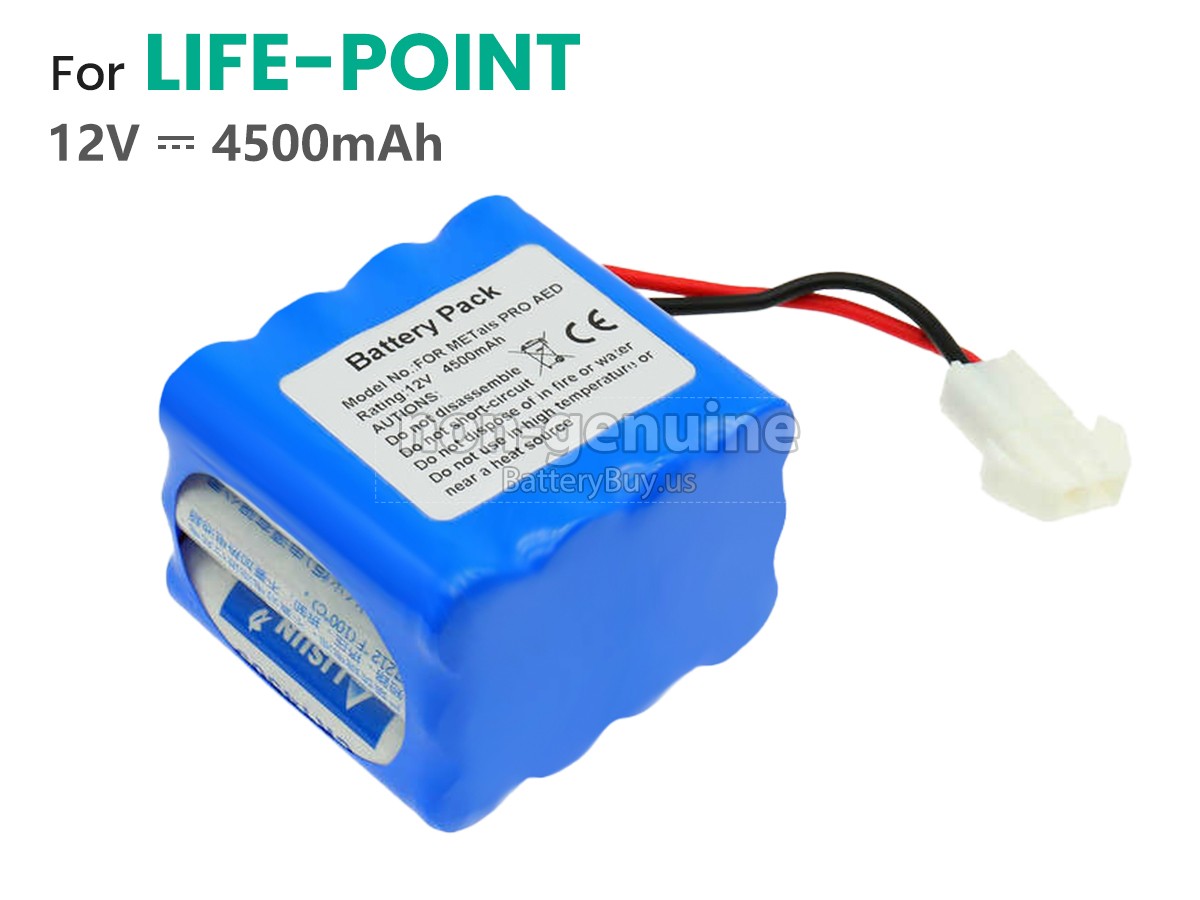
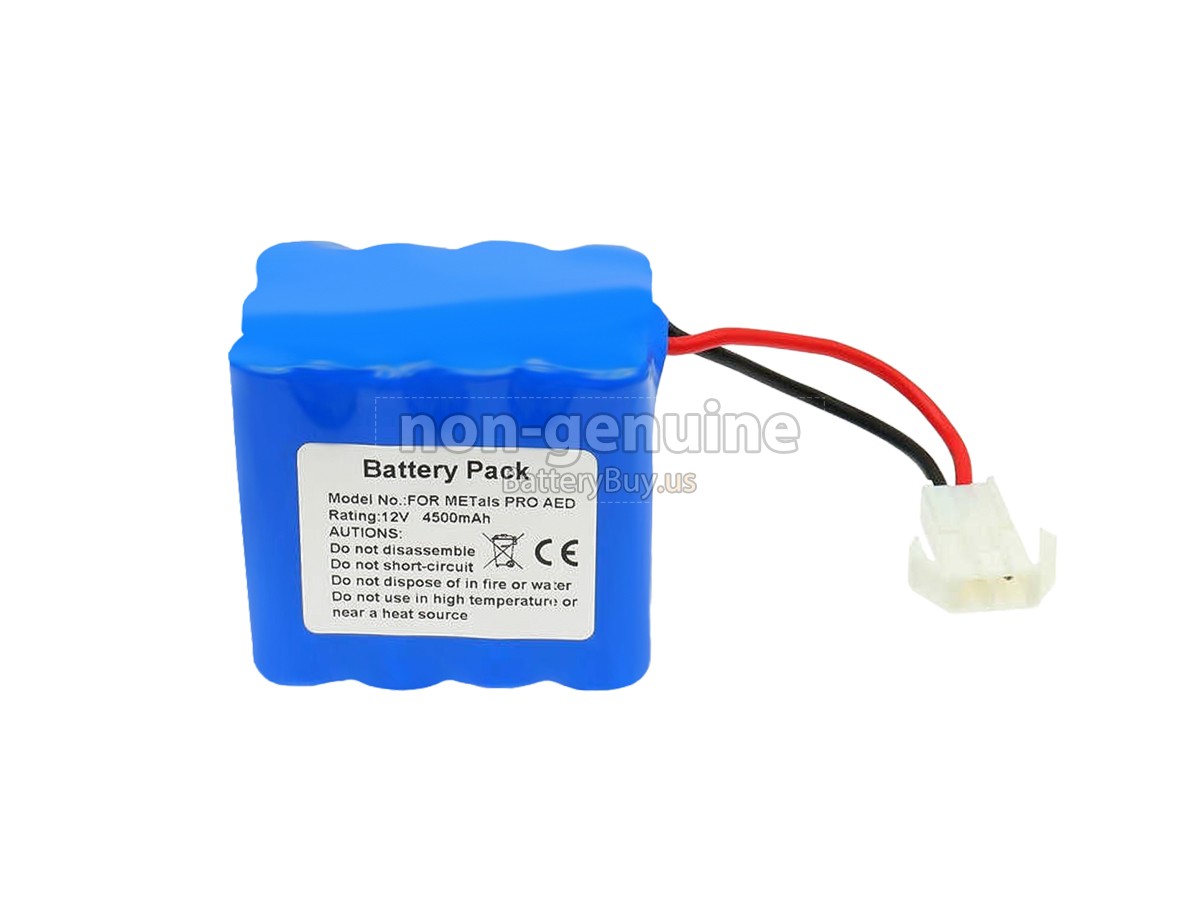
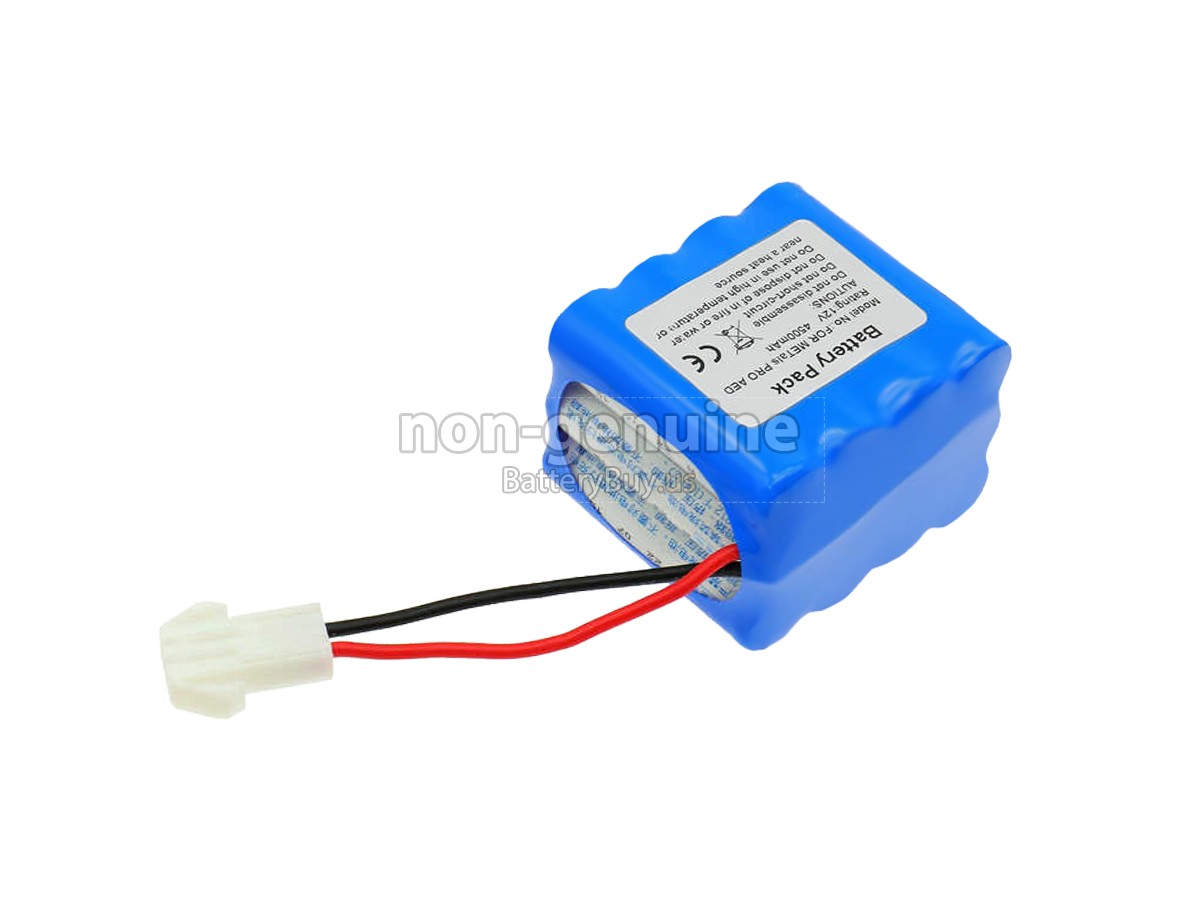
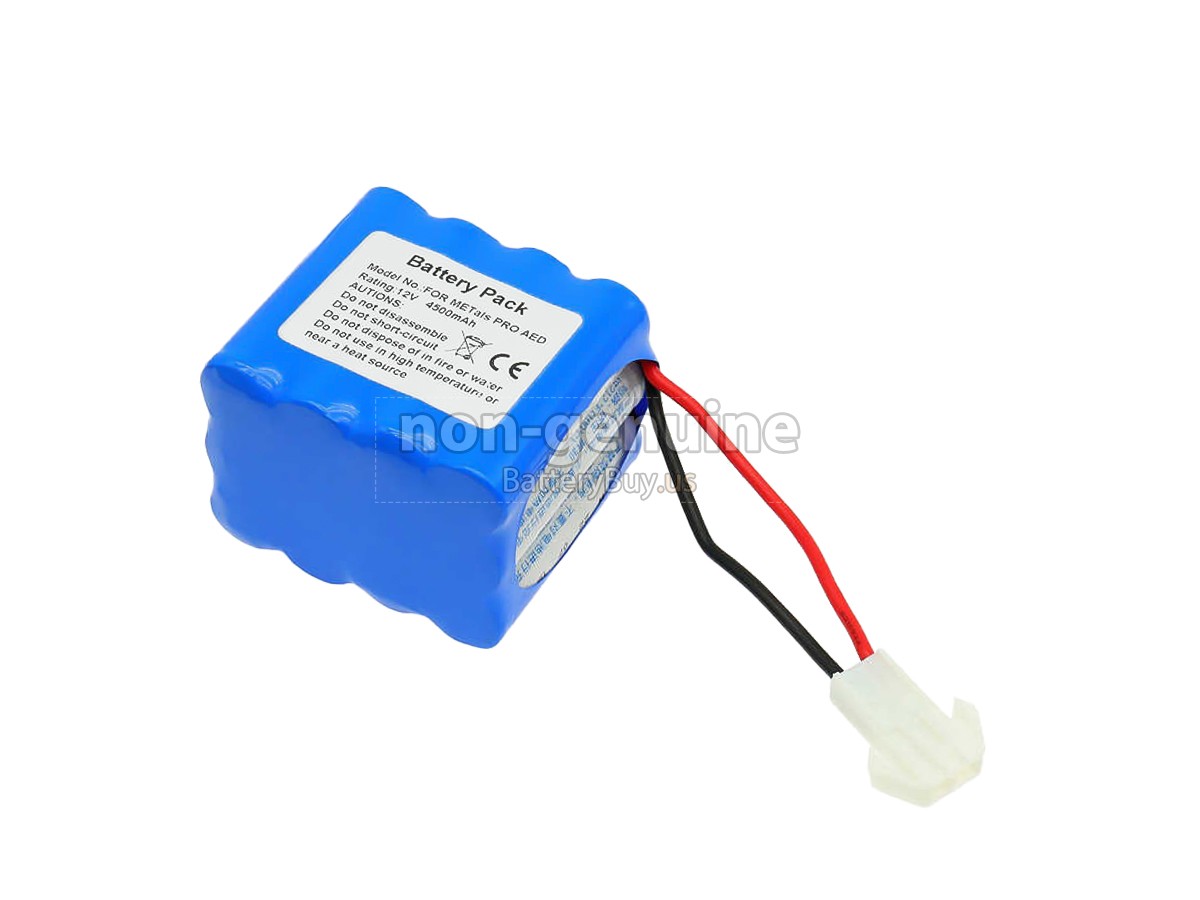
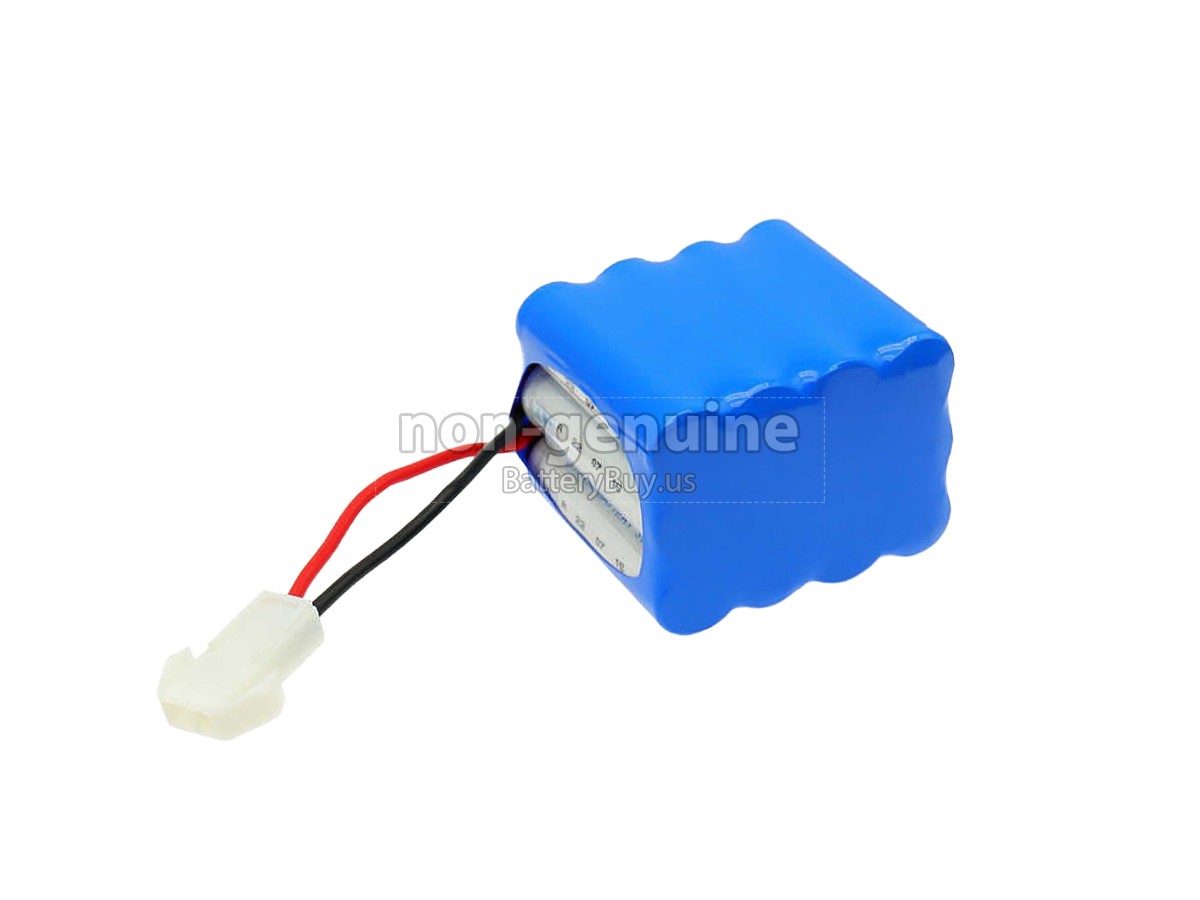
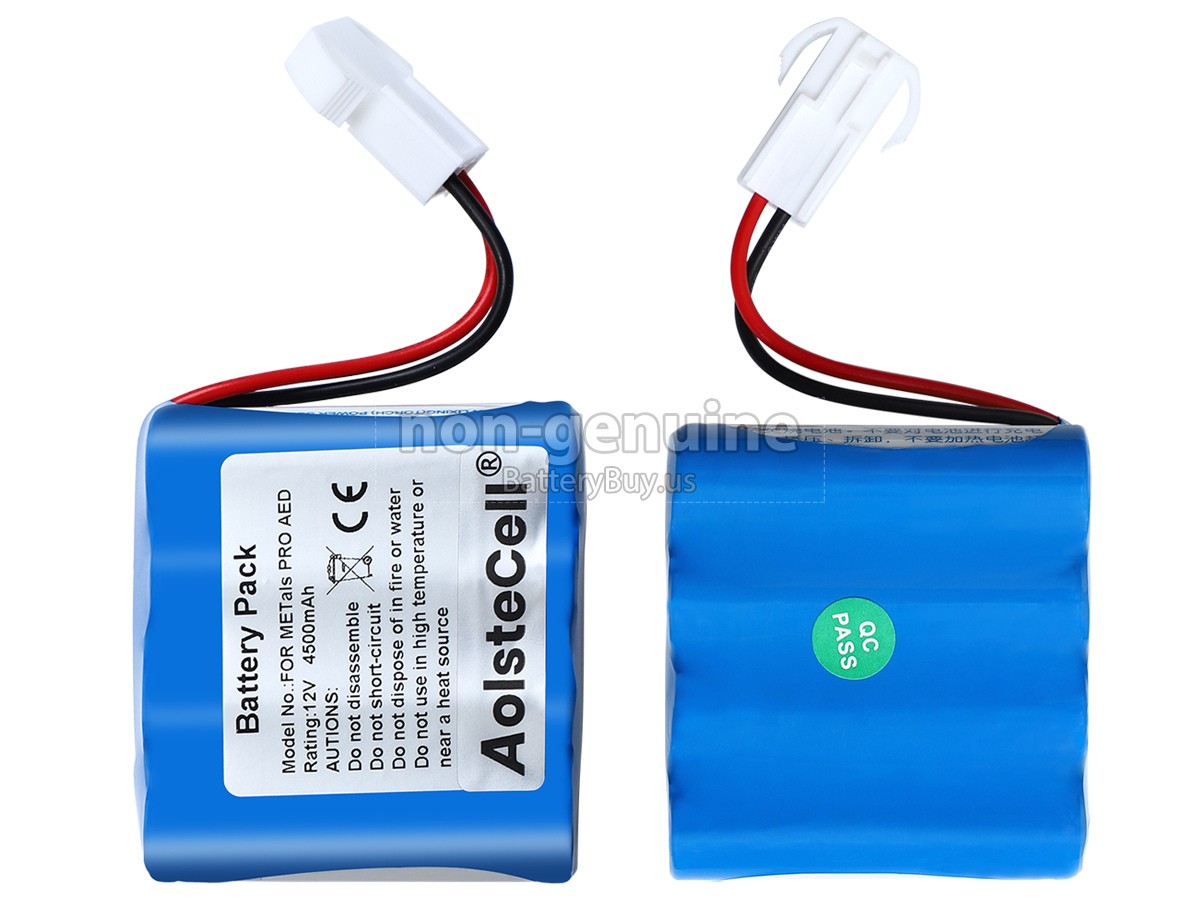

- SKUBUS9263
- ConditionReplacement, Brand New
- Voltage12V
- Capacity4500mAh
- Number of Cells12 cells
- Cell TypeLi-ion
- ColorBlue
- Size*mm(L x W x H)
- Warranty1 Year
- AvailabilityIn Stock
Product Features
Excellent Quality,Thorough Service
The replacement battery for Metals LIFE-POINT from BatteryBuy.us will be your best choice. We offer a high-quality battery at a more reasonable price. Our Metals LIFE-POINT batteries can be charged/discharged for at least 600 cycles. Being made of ABS plastic case and the original IC protection chip, it could give you the new experience of excellent durability.
With first-class quality assurance, the battery for Metals LIFE-POINT provides protections of voltage, short circuit, charging time, ESD, and so on. Each Metals LIFE-POINT battery has passed a series of safety certifications, such as CE, UL, ROHS, ISO9001/9002. It will be rigorously tested by our technicians before being shipped to your hands. We will try our best to select a high-quality Metals LIFE-POINT battery for you.
In addition, we provide 30-Day Money Back Guarantee and a One-Year Warranty for you. If you have any dissatisfaction after receiving the battery for Metals LIFE-POINT, you can click the link to find more details about our Returns and Warranty service. Please rest assured to purchase from us!
Multiple Intelligent Protection
- INTELLIGENT PROTECTION
- VOLTAGE PROTECTION
- SHORT CIRCUIT PROTECTION
- ESD PROTECTION
- OVER HEAT PROTECTION
- OVER (DIS)CHARGE PROTECTION
- CHARGING TIME PROTECTION
- CLASS A PROTECTION
Shipping Methods
Payment Methods

Warranty
1-Year Warranty
All our high-quality replacement batteries for Metals LIFE-POINT come with a 1-year
warranty. Warranty is applicable if the buyer has installed the battery properly in the
device and has treated the battery correctly.
30-Day Money Back Guarantee
Our goal is to turn partial customer satisfaction into 'Total Customer Satisfaction'. That's
why we offer you a 30-day money back guarantee, except for warranty and return for defects!
Please note: To qualify yourself for reimbursement, please
contact our customer service first and get instructions before returning your parcel.
Returns
If you have a problem with one battery which bought from us, please contact us first. We
will process your request and try to find a solution to your problem. Once it cannot be
fixed by our technical support engineer, we will generate an RMA number (Return Material
Authorization) for you to return the faulty battery. we will ship out a new battery without
extra charge if the returned one turns out to be defective.
Please note: we won't process returned batteries if you don't
provide an RMA number on the returned parcel.